Microsoft detected roughly 7.6 billion email-based phishing threats in Q2 2026, and PDF attachments made up 24 to 31 percent of all malicious payloads each month during that quarter. That is the honest headline: PDFs are one of the two dominant malicious attachment types, and every legitimate PDF you send arrives in an inbox whose filters have been tuned on that traffic.
This article covers what the 2026 threat reports actually measured, which PDF abuse mechanisms are documented rather than assumed, and what a company sending invoices, statements or contracts in volume can do so its documents are delivered and opened.
How often are PDFs actually used to deliver phishing?
PDF attachments carried 24 to 31 percent of malicious email payloads each month in Q2 2026, second to HTML attachments at 35 to 41 percent, according to the Microsoft email threat landscape report for Q2 2026 published July 23, 2026 by Microsoft Threat Intelligence and the Microsoft Defender Security Research Team.
The important qualifier is that payload-based attacks are a minority of email threats overall. In the Q1 2026 edition of the same report (published April 30, 2026), Microsoft measured 78 percent of email threats as link-based, with malicious payloads falling from 19 percent of attacks in January to 13 percent in both February and March. Credential theft was the goal of 94 to 96 percent of payload-based attacks each month in Q2.
A separate and older measurement comes from Check Point Research, which reported on April 2, 2025 that 68 percent of cyberattacks begin in the inbox and 22 percent of those involve a weaponized PDF. That figure predates the 2026 data and uses a different denominator, so it should not be blended with the Microsoft percentages.
| Source | Period | Measurement |
|---|---|---|
| Microsoft, Q1 2026 | Jan to Mar 2026 | 8.3 billion phishing threats; 78 percent link-based; payloads 19 percent to 13 percent |
| Microsoft, Q2 2026 | Apr to Jun 2026 | 7.6 billion phishing threats; PDF 24 to 31 percent of payloads; HTML 35 to 41 percent; SVG about 7 percent |
| Cisco Talos IR trends, Q2 2026 | Apr to Jun 2026 | Phishing was the initial access vector in over half of Talos IR engagements, up from about one third in Q1 2026 |
| Check Point Research | Published Apr 2, 2025 | 68 percent of attacks start via email; 22 percent of those hide in PDFs |
Did PDF phishing peak in 2026?
QR code phishing delivered through PDFs peaked in March 2026 and fell through the second quarter. Microsoft recorded QR code phishing rising 146 percent across Q1, from 7.6 million attacks in January to 18.7 million in March, with PDF attachments carrying 65 percent of those attacks in January and 70 percent by March.
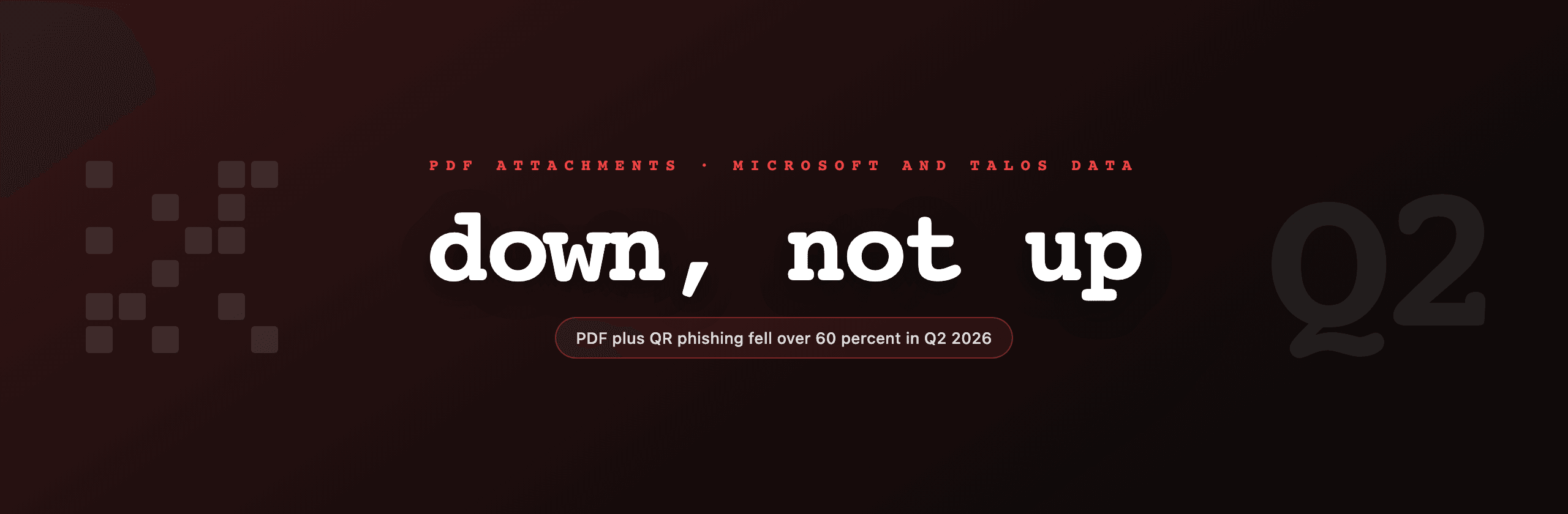
Q2 reversed it. QR code phishing dropped to 17.4 million in April, 10.8 million in May and 8.3 million in June, and the PDF share of those attacks fell from 79 percent in April to 58 percent in June. Microsoft states that malicious PDFs containing QR codes dropped more than 60 percent between April and June, and attributes the quarter to the downstream effect of its Digital Crimes Unit disruption of the Tycoon2FA phishing-as-a-service platform in March, which cut phishing volume linked to that platform by 92 percent.
The practical reading for a sender: the decline came from a takedown of one service, not from a structural fix. Filter tuning built during the March peak stays in place regardless.
Which PDF abuse mechanisms are actually documented?
Four mechanisms appear consistently in 2025 and 2026 vendor reporting, and only one of them involves active code in the file.
QR codes pointing to credential harvesting. Cisco Talos documented campaign UAT-11764 in its Q2 2026 incident response trends report (published July 28, 2026): compromised Microsoft 365 accounts sending auto-generated PDF attachments containing QR codes, active from April 2026 through late June, targeting mainly Australian organizations. Scanning the code moved the victim onto a personal phone, outside endpoint controls, and onto a credential page hosted on trusted Microsoft infrastructure. Talos's stated recommendation is to block or flag emails containing QR codes inside PDF attachments.
Brand impersonation rendered as an image. In PDFs: portable documents, or perfect deliveries for phish? (July 2, 2025), Talos analyst Omid Mirzaei described attackers moving the entire email body into the PDF, logos included, to defeat filters that score textual features of the message. Over the May 5 to June 5, 2025 window, the most impersonated brands were Microsoft, DocuSign, NortonLifeLock, PayPal and Geek Squad.
Callback phishing with no link at all. The same Talos analysis found a significant portion of PDF-payload email threats carried only a phone number, with the victim asked to call an adversary-controlled line. One number, +1-818-675-1874, was reused across four consecutive days. A file with no URL and no code gives static analysis almost nothing to flag.
Structural obfuscation. Check Point Research catalogued annotation obfuscation, indirect objects, encryption, text embedded in images to force OCR, invisible or microscopic text, and open-redirect chains through Bing, LinkedIn and Google AMP. It also reported campaigns with zero VirusTotal detections for a year, which is the part worth internalizing: absence of a detection is not evidence of a clean file.
Notably, Check Point's own finding is that attackers largely moved away from reader CVEs and embedded JavaScript toward this social engineering repertoire. Embedded JavaScript, OpenAction and launch actions are still the objects scanners strip and score most aggressively, but they are no longer where the volume is.
Why does this matter if you only send legitimate documents?
Because the filter does not know your intent, it scores your file. Any organization mailing invoices, account statements, payslips or signed contracts is sending exactly the document class that attackers imitate, to exactly the recipients being trained to distrust it.
Three concrete consequences:
- Attachment structure gets scored. Document-level JavaScript, an automatic action on open, an embedded launch action or a nested file attachment are all findings a gateway can quarantine on.
- QR codes are now a risk signal. Talos explicitly recommends flagging PDFs containing QR codes. If your invoice uses a QR code for payment, as Spanish Veri*factu or Swiss QR-bill invoices do, expect it to attract scrutiny and make sure everything else about the message is above reproach.
- Encryption blocks inspection. A password-protected attachment cannot be scanned. Several gateways treat that as suspicious because attackers use it deliberately.
What makes a generated document look inert?
Aim for a file whose object tree contains page content, fonts and images, and nothing that executes or fetches. The checklist below is what a scanner report will be looking at.
| Property | Target for a legitimate sender | Why |
|---|---|---|
| Document JavaScript | None | Highest-signal active-content finding |
| OpenAction and additional actions | None | Automatic behavior on open is an attacker pattern |
| Launch, GoToR, SubmitForm actions | None | Launch external files or post data off-document |
| Embedded file attachments | None | Nesting a payload inside a document |
| Links | Only to your own apex domain, no redirectors | Open redirects are a documented evasion |
| QR codes | Only when the standard requires one | Talos recommends flagging them in PDFs |
| Metadata (Title, Author, Producer) | Consistent with the sender and the content | Contradictions read as tampering |
| Encryption | Only when the content warrants it | Blocks gateway inspection |
| Form fields | Flatten after filling | Removes interactive and scripted objects |
| Digital signature | Yes for contracts and regulated documents | Only positive cryptographic trust signal in the file |
Two of those deserve a note. Flattening is the cheapest structural win when documents come out of a form-filling step, since it converts interactive widgets into page content and drops the associated scripting. And a digital signature is the only item on this list that adds trust rather than merely removing suspicion, which is why it belongs on contracts and regulated documents even though it does nothing for a routine statement.
Does generating PDFs from HTML change anything?
It changes one thing, mechanically. A PDF produced by printing HTML through a headless browser has no document-level JavaScript, no OpenAction, no launch action and no embedded attachments, because nothing in that pipeline emits those objects. Browser-side script runs during rendering and then the page is serialized to static content. Compared with a PDF assembled from an interactive form or an authoring tool that carries scripted fields forward, the output is structurally quieter by default.
That is the whole claim, and it is worth being precise about its limits. PDF4.dev renders HTML with Playwright, so the documents it produces fall into that inert category. It does not make them safe. A generated PDF can still contain a link you did not audit, an image pulled from a third party, misleading content, or a payment QR code. The file being inert says nothing about the message being trustworthy.
Everything that actually determines whether your invoice lands in the inbox sits outside the file: SPF, DKIM and DMARC alignment on the sending domain, the reputation of the sending IP, the destination of every link, and whether the recipient recognizes you. Clean attachment structure removes a penalty. It does not earn a bonus.
What to do this quarter
- Dump the object tree of one production document and confirm there is no JavaScript, OpenAction or embedded file. If any appear, find the step in your pipeline that adds them.
- Flatten anything that passes through a form-filling stage.
- Audit every URL in your templates. Point them at your own domain, never at a shortener or a redirector.
- Check that metadata matches the sender. A statement from your billing system should not carry a Producer string from an unrelated desktop tool or an Author field left over from a template.
- Keep encryption for documents that genuinely need it, and deliver the key out of band.
- Sign contracts and regulated documents. Skip signing for routine statements where it adds operational cost without a trust benefit.
- If you send payment QR codes because a national e-invoicing standard requires them, expect the scrutiny and compensate with strict authentication on the sending domain.
None of this defeats a determined attacker impersonating your brand from a domain you do not control. It does keep your own documents from being judged on the same structural evidence as the campaigns Microsoft and Talos have been measuring all year.
Free tools mentioned:
Frequently asked questions
- How often are PDFs used to deliver phishing in 2026?
- Microsoft measured PDF attachments at 24 to 31 percent of all malicious email payloads each month during Q2 2026 (April to June), behind HTML attachments at 35 to 41 percent. Payload-based attacks are themselves a minority of email threats: in Q1 2026 Microsoft reported 78 percent of email threats were link-based and malicious payloads fell from 19 percent in January to 13 percent in March. So PDFs are a large share of a shrinking slice, not the majority vector.
- Is QR code phishing inside PDFs still growing?
- No, it fell sharply in Q2 2026. Microsoft recorded QR code phishing peaking at 18.7 million attacks in March 2026, then dropping to 17.4 million in April, 10.8 million in May and 8.3 million in June. Microsoft attributes the decline to its Digital Crimes Unit disruption of the Tycoon2FA phishing-as-a-service platform in March, which cut associated phishing volume by 92 percent. The PDF share of those QR attacks also fell, from 79 percent in April to 58 percent in June.
- Do modern malicious PDFs still use embedded JavaScript?
- Less than they used to. Check Point Research reported in April 2025 that attackers had moved away from PDF reader CVEs and JavaScript-based methods toward simpler social engineering: malicious links, QR codes, phone numbers and brand impersonation rendered as an image. JavaScript still appears in exploit chains against specific reader vulnerabilities, but the high-volume commodity campaigns measured by Microsoft and Talos mostly rely on the human, not the parser.
- Will removing JavaScript from my PDFs improve email deliverability?
- It removes one reason a scanner would quarantine the file, but it is not a deliverability feature on its own. Mail filters score the whole message: sender authentication (SPF, DKIM, DMARC), domain and IP reputation, link destinations, body content and attachment structure. A clean attachment helps only after the sending domain itself is trusted. Treat inert PDF structure as removing a penalty, not as earning a bonus.
- Should I password protect the invoices I send to customers?
- Usually not by default. Encrypted attachments cannot be inspected by mail security gateways, and several vendors treat password-protected archives and documents as a risk signal precisely because attackers use encryption to defeat scanning. Encryption is appropriate when the document genuinely carries sensitive data and the recipient already has the key through another channel. For routine invoices and statements, a clear unencrypted PDF with a recognizable sender is more likely to arrive and be opened.
- What is a TOAD or callback phishing PDF?
- Telephone-oriented attack delivery is a phishing pattern where the PDF contains no link and no code at all, only a convincing fake invoice or subscription renewal and a phone number to call. Cisco Talos documented this as a significant portion of PDF-payload email threats in its July 2, 2025 analysis, including reuse of the same number across consecutive days while impersonating Best Buy's Geek Squad. There is nothing for a URL scanner to detect, which is why these files often pass automated filtering.
- Does generating a PDF from HTML make it safe?
- It makes it inert, which is not the same thing. A PDF printed from a headless browser contains page content, fonts and images. It has no document-level JavaScript, no OpenAction, no launch actions and no embedded file attachments, because nothing in the pipeline emits those objects. That removes an entire class of active-content findings from a scanner report. It says nothing about what the document claims, who sent it, or where any link inside it points.
Start generating PDFs
Build PDF templates with a visual editor. Render them via API from any language in ~300ms.